Your Webflow AI Toolkit
CompleteAgentic Control
ComponentLibrary
Deployment Pipeline


Get early access
All in one Custom Code, MCP, Ai launchpad for Webflow.
You're In, thanks.
We'll be in touch soon.
Or get Early founder's access
Nope :(
Something went wrong.
Try again (later maybe)?
All in oneApp.
AgenticComponentLibrary.
OneclickAdd.
Get abetterMCP.
FlexibleAI Modes.
As every custom code addition does: the overhead is just the one added by the code itself.
Everything is also bundled, minified and compressed, to have the least impact on the project, avoiding loading external libraries and increase the number of CDN based scripts.
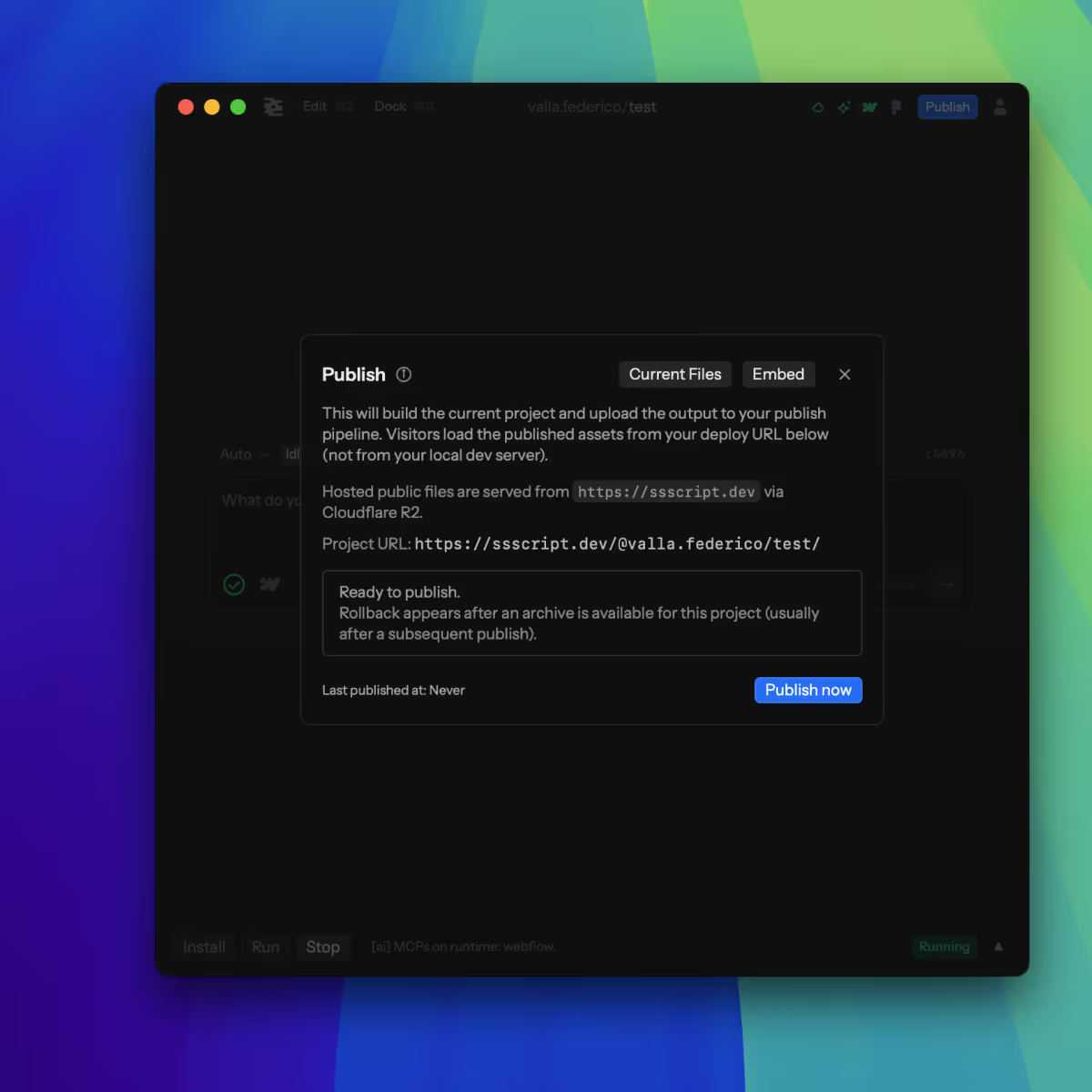
After the build step, all bundled files are uploaded to Cloudflare R2 and served through a CDN link on ssscript.dev domain, a dedicated CDN for this project, for the fastest, Webflow compatible result.
In the deploy panel there's the option for an instant rollback.
Hit that, and you'll get the previous deployment working right away, fix locally, and push again.
Other than @plan, @build and @explore default Agent modes, we're working on a @webflow mode, made specifically of webflow knowlege, how to interact with the project and how to be effective in it.
Built on top of years writing custom code in webflow for animation.
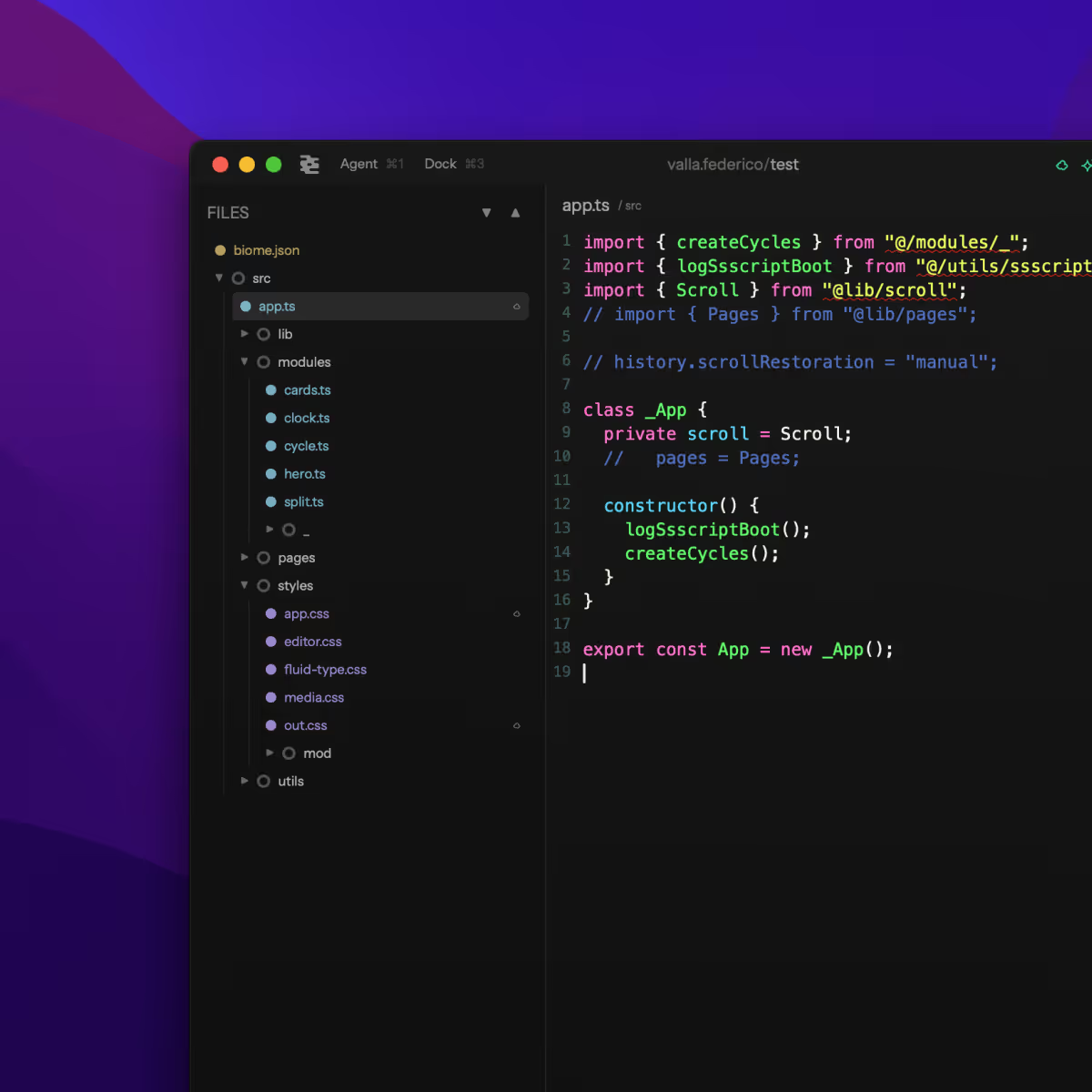
WebGl, Threejs, GSAP and custom functionality, we collected best practices, build pipelines, and a module based systems to ensure everything works in unison.
A custom component library is also available for you to pick from, add to your project, and ask the AI to modify to fit your needs.
When running the Ssscript™, there's a custom Embed tab.
Depending on your needs, you can get page based scripts, or a unique app.js for the entirety of the project.
The generated link already contains both a deployed version, that'll follow your deploy url, and a local version, allowing you to work on you to preview your code without disturbing other people visiting your website.
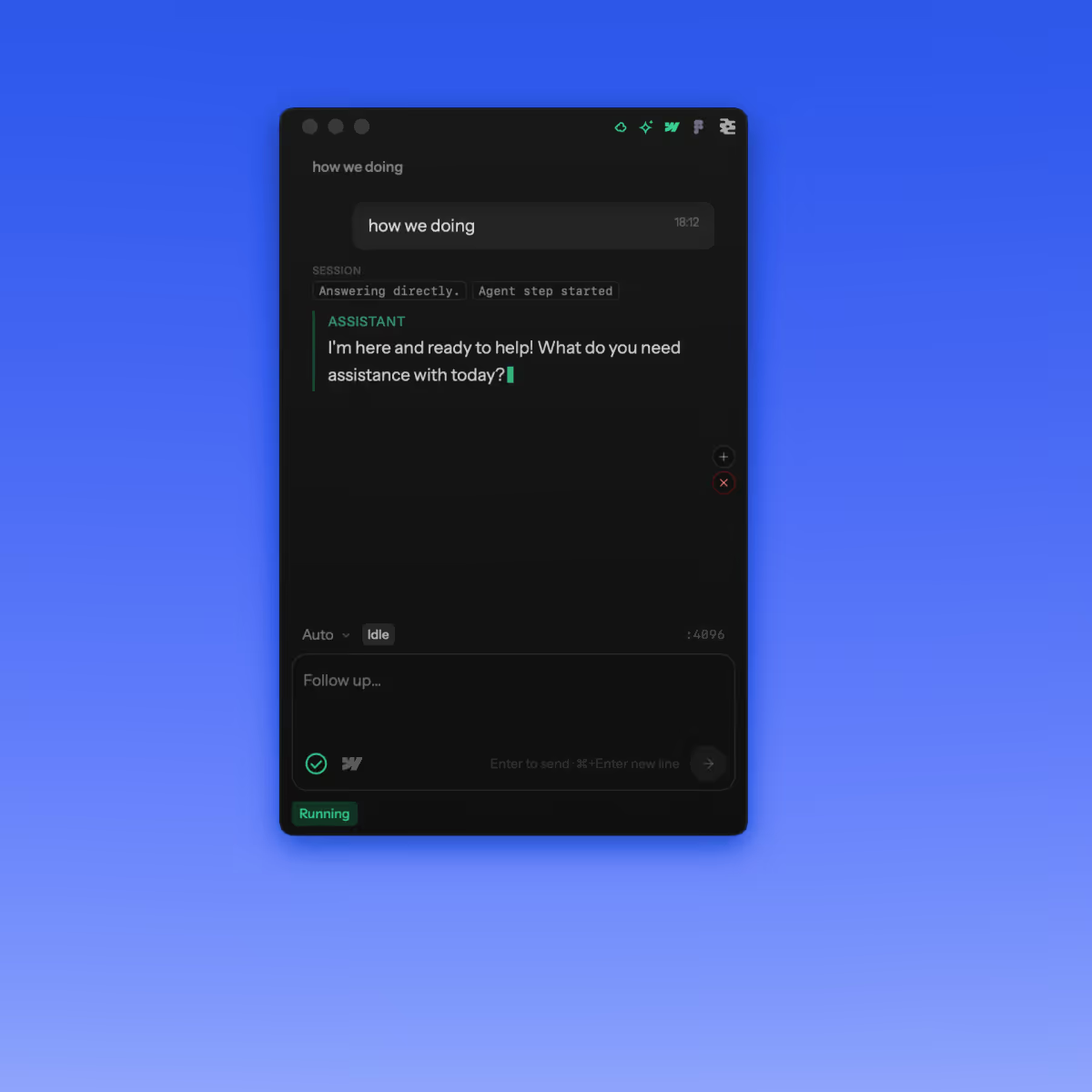
We're using all major models available, from OpenAI to Claude to Gemini.
The model orchestrates automatically based on the request and needs, and you can switch to specific models by selecting them in a toggle.
When running, Ssscript™ is doing 2 things in parallel.
Running a local Development environment, based on Bun, that keeps javascript and typescript files in sync, provides Hot Module Reload (HMR), and keeps a webhook active to automatically refresh your website when changes are made.
At the same time, an ai agent orchestrator is running, accessing agents and processing your requests, changing code, checking the build health, and modifying the Webflow project when needed.
It's a multi step project. First, we use Bun to build, compress, minify and set up the project and libraries used.
Then we add to our CDN: ssscript.dev/{USERNAME}/{PROJECT-NAME}. The link already contains the correct structure, so while you keep seeing the local version of the files, everyone else get the right script served instead.
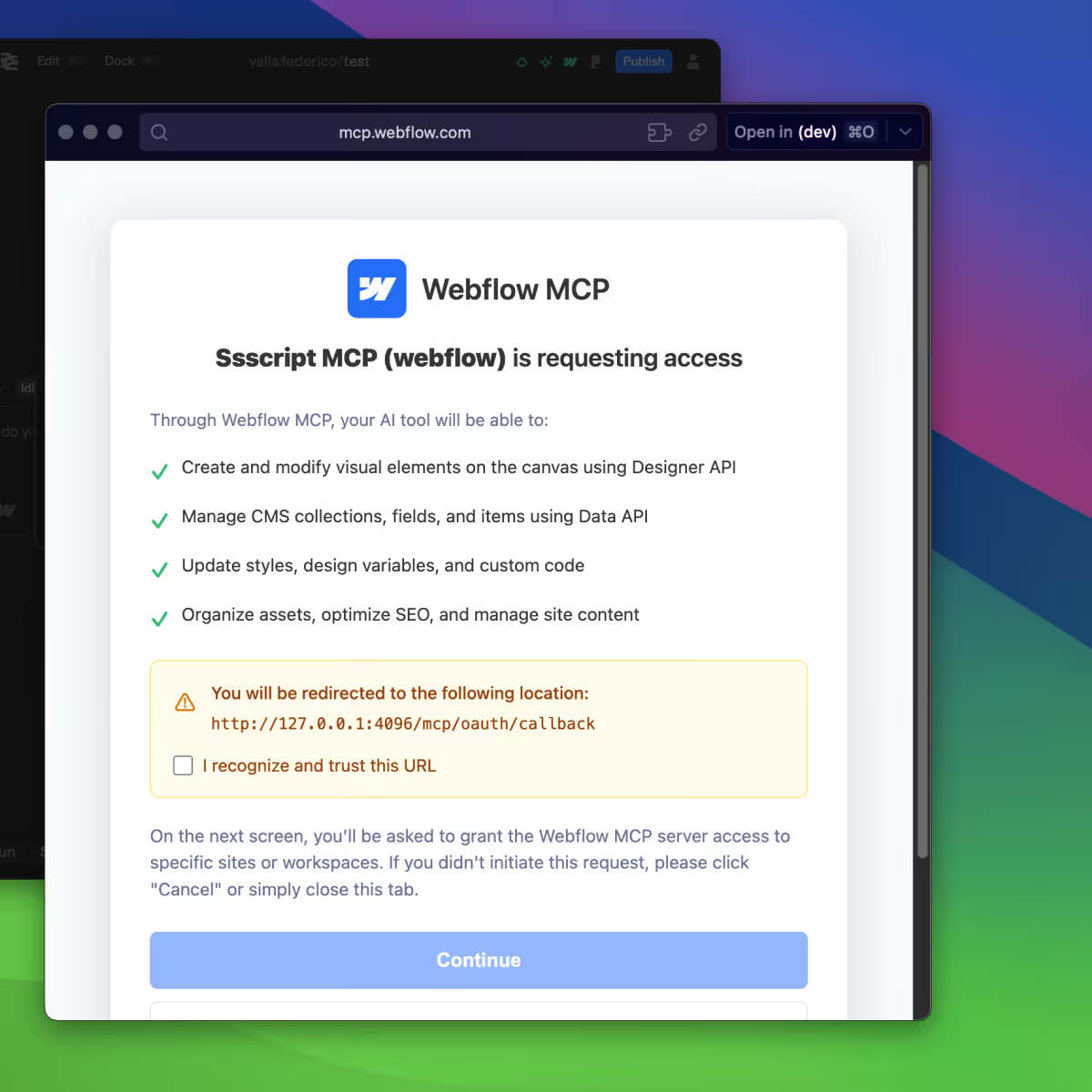
It's built to work with the Webflow MCP natively.
Connect project, set authorization, and the AI Agents have now access to the Webflow build. Connect the App in the webflow Designer to also allow for Designer access, so the agents can update content, create elements, change styles and CSS, and to give the custom code full awareness of the Webflow project.
Connect.Prompt.Ship.
Get Codeto No-Code,with AI.
inlcuded usage in every plan.
Beta
Founder
Basic
Advanced

Get Codeto No-Code,with AI.
inlcuded usage in every plan.
Get early access
All in one Custom Code, MCP, AI launchpad for Webflow.